service-card-grid
Картка послуги·Шаблон: Runok - Web Agency HTML5 Template·Складність анімації: medium·Адаптивний: Так
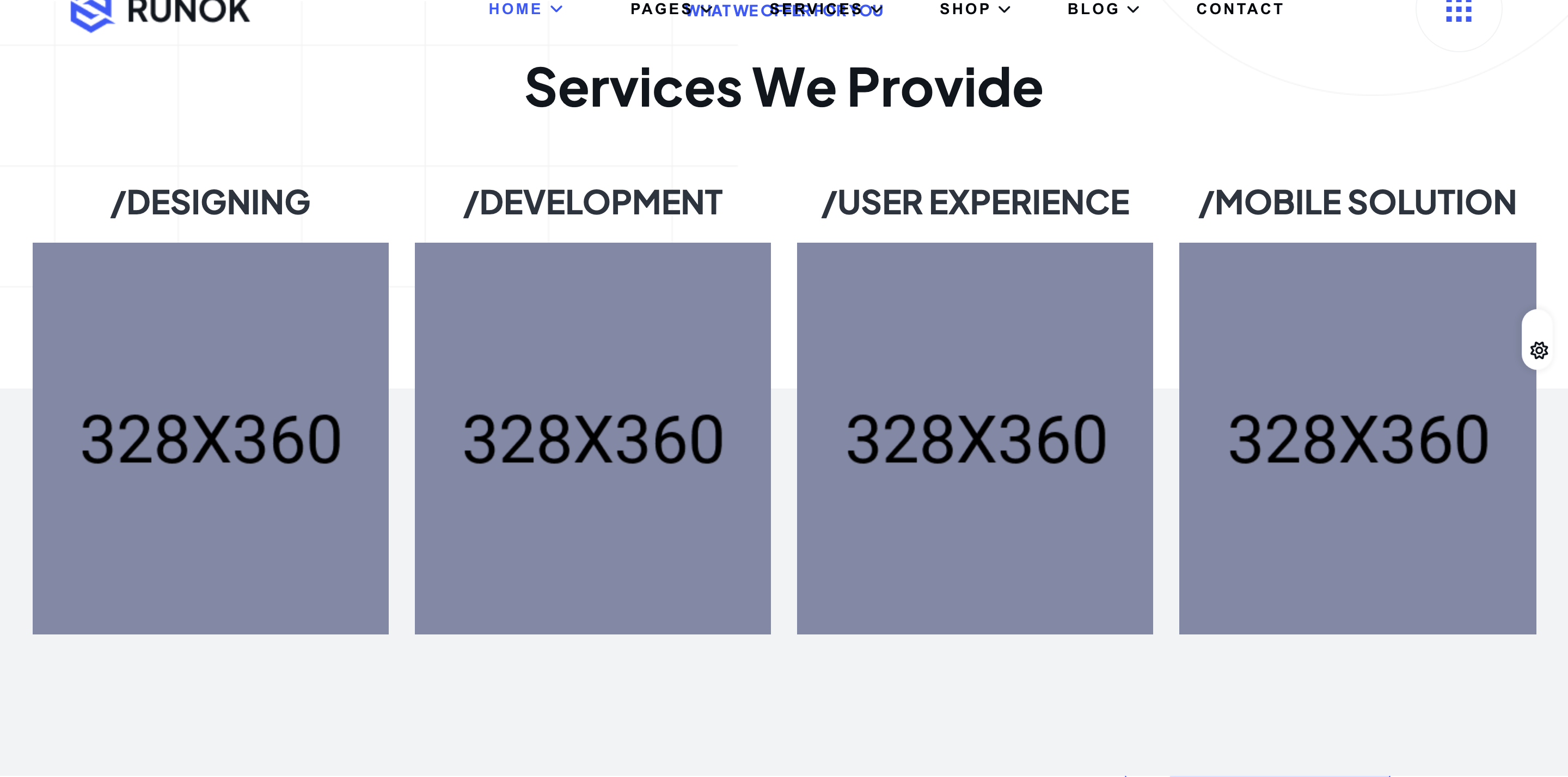
Файли-джерела
- index.html
section.service-section
Бібліотеки
gsapscrolltrigger
Summary
Four-up service grid (Designing / Development / User Experience / Mobile Solution). Each card is a tall photo with a transparent shape overlay; corner SVG icon, slash-prefixed service title above the image, and a Read More pill anchored at the bottom. On hover the overlay shifts colour and the icon swaps states.
HTML structure (minimal)
<section class="service-section pb-130 fade-wrapper">
  <div class="shape"><img src="assets/img/shapes/service-shape-1.png" alt="shape"></div>
  <div class="bg-color"></div>
  <div class="container">
    <div class="section-heading text-center">
      <h4 class="sub-heading">What We Offer For You</h4>
      <h2 class="section-title">Services We Provide</h2>
    </div>
    <div class="row gy-lg-0 gy-4">
      <div class="col-lg-3 col-md-6">
        <div class="service-item fade-top">
          <h4 class="service-text"><a href="service-details.html">/Designing</a></h4>
          <div class="service-thumb">
            <div class="overlay-color"></div>
            <div class="transparent-shape"><img src="assets/img/shapes/service-shape.png" alt="shape"></div>
            <img src="assets/img/service/service-2.jpg" alt="service">
            <div class="service-icon">
              <svg width="50" height="50" viewBox="0 0 50 50" fill="currentColor"><!-- icon --></svg>
            </div>
            <a href="service-details.html" class="service-btn">Read Details <i class="fa-regular fa-arrow-right"></i></a>
          </div>
        </div>
      </div>
      <!-- 3 more cards -->
    </div>
  </div>
</section>
Key SCSS tokens
.service-section {
  position: relative; z-index: 1;
  .bg-color { background-color: var(--rr-color-bg-1); width: 100%; height: 50%;
    position: absolute; bottom: 0; left: 0; z-index: -1; }
}
.service-item {
  .service-text a { font-size: 30px; font-weight: 700;
    color: var(--rr-color-grey-2); text-transform: uppercase; }
  .service-thumb {
    position: relative; overflow: hidden;
    img { height: 360px; width: 100%; object-fit: cover; }
    .overlay-color {
      background: #001695; mix-blend-mode: multiply; opacity: 0.3;
      position: absolute; inset: 0; transition: all .4s ease-in-out;
    }
    .transparent-shape {
      position: absolute; top: 0; left: 0; width: 255px; height: 255px;
      visibility: hidden; opacity: 0; transition: all .4s ease-in-out;
    }
    .service-icon {
      background-color: var(--rr-color-common-white); height: 80px; width: 80px;
      position: absolute; top: 30px; left: 15px; display: flex;
      align-items: center; justify-content: center;
      transition: all .4s ease-in-out;
    }
    &:hover .overlay-color { opacity: 0.55; }
    &:hover .transparent-shape { visibility: visible; opacity: 1; }
  }
}
Animation logic
// Cards fade-up on scroll via .fade-wrapper / .fade-top loop
// (see process-icon-row.md for shared logic).
Notable details
- Service title sits ABOVE the photo, prefixed with a slash, like a code comment — the slash + uppercase combo skews the section toward "tech studio" rather than "marketing agency".
- Each card has both a flat overlay-colour and a transparent shape that slides in on hover, so two layers of branding live above the photo without needing per-card CSS.
- The bottom 50 % of the section background is
bg-1(near-black) and the top 50 % is the body colour — the cards visually sit "on a step" rather than on a flat band.
Use when
- Service or solutions grids on dark agency/studio sites where four parallel offerings should each command real estate.
- Designs that want photo-led service cards (rather than icon-only) but still need a clear visual identity per card.
Caveats
- The
mix-blend-mode: multiplyoverlay can interact unpredictably with very bright or very dark photographs; expect some art-direction work to look consistent across the row. - Inline SVG icons are baked into the markup (5 separate
<path>declarations per card) — swapping iconography means editing the HTML.