blog-cards-row
Файли-джерела
- index.html
main div.section:nth-child(11) div.row.row-cols-xl-3
Бібліотеки
bootstrap
Summary
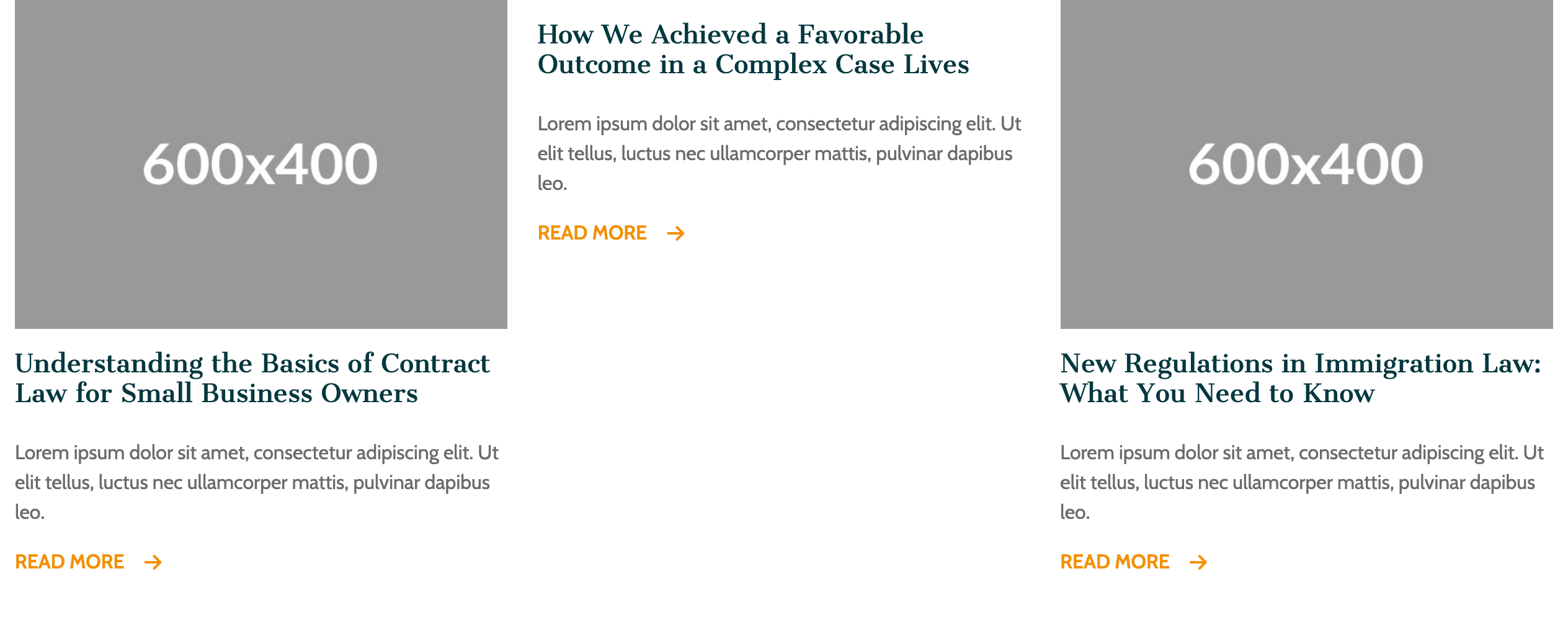
Three-up blog teaser row: square-cropped image, serif teal headline (h5), a Cabin paragraph excerpt, and an amber "READ MORE" link with an arrow that swaps to deep teal on hover. The whole section is anchored by a centered kicker + h3 headline + intro and a "View All" amber CTA below the cards.
HTML structure (minimal)
<div class="row row-cols-xl-3 row-cols-1">
  <div class="col mb-5">
    <div class="d-flex flex-column gap-3 position-relative">
      <img src="image/blog-1.jpg" class="img-fluid rounded-0">
      <h5 class="accent-color">Understanding the Basics of Contract Law for Small Business Owners</h5>
      <span class="font-2">Lorem ipsum dolor sit amet, consectetur adipiscing elit…</span>
      <a href="single_blog.html" class="read-more">
        <div class="d-flex gap-3 align-items-center">
          <span class="fw-semibold">READ MORE</span>
          <i class="fa-solid fa-arrow-right"></i>
        </div>
      </a>
    </div>
  </div>
  <!-- 2 more cards -->
</div>
Key SCSS tokens
.read-more {
  color: var(--accent-color-2);   /* amber */
  transition: all .5s;
}
.read-more:hover {
  color: var(--accent-color);     /* deep teal */
}

h5 { font-size: 20px; font-family: var(--font-1); }
Notable details
- The card has no border, no shadow, no background — it's literally just an image, text, link. A reminder that "less" is a valid card pattern when the image carries the visual weight.
- The link is on the whole READ MORE flex row (icon + label), so the click target is generous without an explicit
display: blockon the anchor. - Using
h5for blog titles keeps the heading rhythm correct (h6 kicker → h3 section title → h5 card title) — no orphan h4s that fight the section title for attention.
Use when
- Editorial/news teaser rows on traditional corporate sites where you want the article to read as content, not a "card".
- Any blog index that prioritizes typography over chrome.
Caveats
- One demo image path is
image/dummy- .jpg(with a literal space and trailing dash) — that's a typo in the template, not your filesystem; replace before publishing. - No date or category meta on the demo cards; you'll need to add the markup if your CMS exposes those fields.