blog-grid
Картка блогу·Шаблон: Medcity - Medical Healthcare HTML5 Template·Складність анімації: subtle·Адаптивний: Так
Файли-джерела
- index.html
section.blog-grid
Бібліотеки
bootstrap
Summary
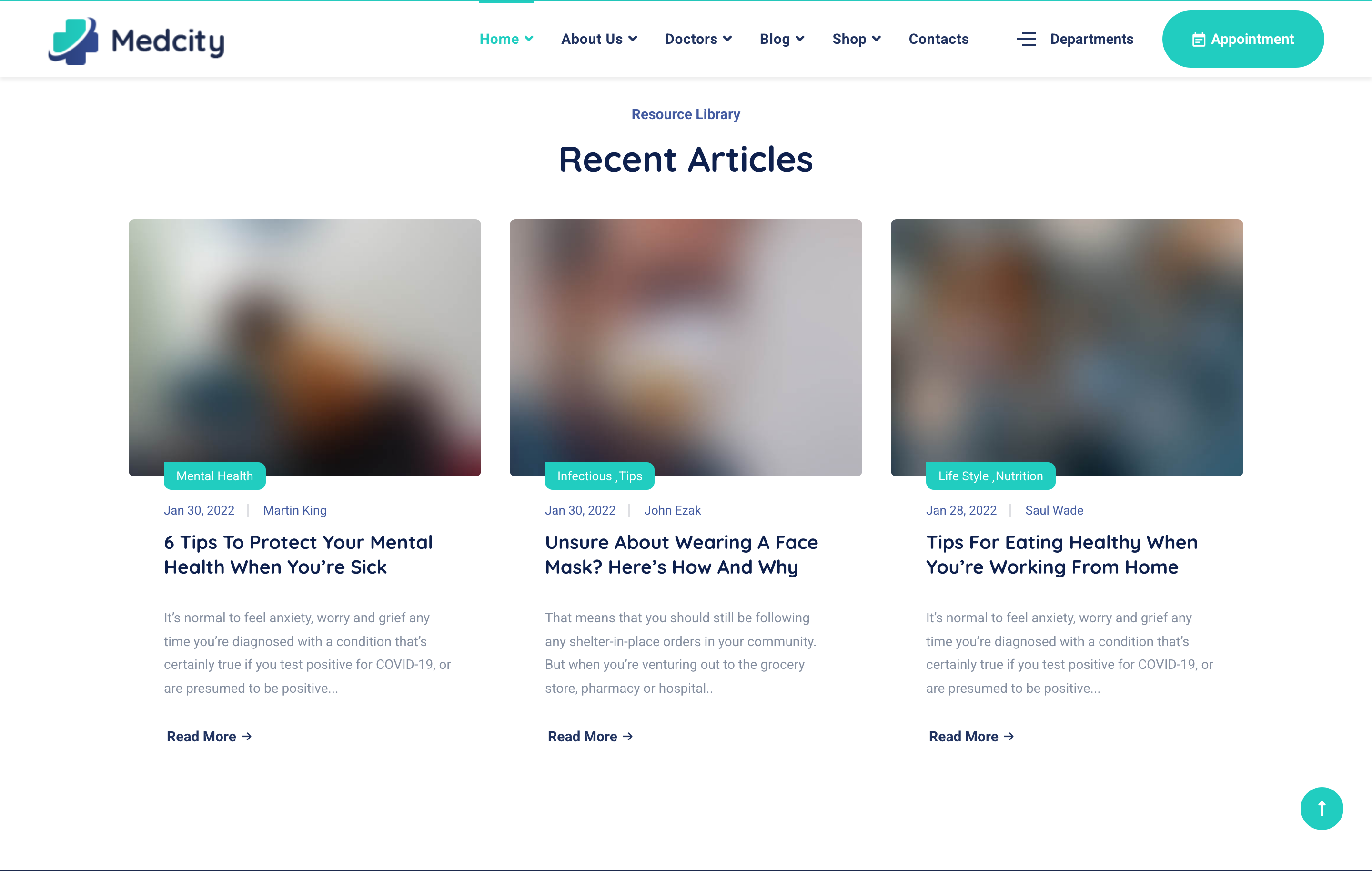
Three-up grid of recent posts with rounded thumbnails. Each card has a category tag, date and author meta, headline, lead, and a Read More pill. Static grid — no carousel.
HTML structure (minimal)
<section class="blog-grid pb-50">
  <div class="container">
    <div class="row">
      <div class="col-lg-6 offset-lg-3">
        <div class="heading text-center mb-40">
          <h2 class="heading__subtitle">Resource Library</h2>
          <h3 class="heading__title">Recent Articles</h3>
        </div>
      </div>
    </div>
    <div class="row">
      <div class="col-md-6 col-lg-4">
        <div class="post-item">
          <div class="post__img">
            <a href="blog-single-post.html">
              <img src="assets/images/blog/grid/1.jpg" alt="post image" loading="lazy">
            </a>
          </div>
          <div class="post__body">
            <div class="post__meta-cat"><a href="#">Mental Health</a></div>
            <div class="post__meta d-flex">
              <span class="post__meta-date">Jan 30, 2022</span>
              <a class="post__meta-author" href="#">Martin King</a>
            </div>
            <h4 class="post__title"><a href="#">6 Tips to Protect Your Mental Health When You’re Sick</a></h4>
            <p class="post__desc">It’s normal to feel anxiety, worry and grief…</p>
            <a href="blog-single-post.html" class="btn btn__secondary btn__link btn__rounded">
              <span>Read More</span><i class="icon-arrow-right"></i>
            </a>
          </div>
        </div>
      </div>
      <!-- 2 more posts -->
    </div>
  </div>
</section>
Key SCSS tokens
.post-item {
  background: $color-white; border-radius: 8px; overflow: hidden;
  margin-bottom: 30px; box-shadow: 0 5px 30px rgba(0,0,0,.04);
  transition: all .3s ease;
  &:hover { box-shadow: 0 10px 50px rgba(0,0,0,.08); }

  .post__img img { width: 100%; transition: transform .6s ease; }
  &:hover .post__img img { transform: scale(1.05); }

  .post__body { padding: 30px; }
  .post__meta-cat a {
    display: inline-block; padding: 4px 12px; margin-right: 5px;
    background: rgba($color-primary, .12); color: $color-primary;
    border-radius: 50px; font-size: 12px; font-weight: 700;
  }
  .post__meta { color: $color-body; font-size: 13px; margin: 12px 0;
    .post__meta-date { margin-right: 18px; position: relative; padding-right: 18px; }
    .post__meta-date::after { content: ''; position: absolute; right: 0; top: 50%;
      transform: translateY(-50%); width: 4px; height: 4px; border-radius: 50%; background: currentColor; opacity: .5; }
  }
  .post__title { font-size: 20px; line-height: 1.35; margin-bottom: 15px;
    a { color: $color-heading; }
    a:hover { color: $color-primary; }
  }
}
Notable details
- Category pill uses a tinted accent (
rgba($color-primary, .12)) so it always reads as a clearly-tagged element no matter what photo sits above it. - Date/author meta uses a tiny dot-separator generated via a
::afterpseudo-element on the date — avoids hard-coded|text and stays accessible. - Image zoom + shadow lift on hover is subtle but lets the card feel interactive without reshuffling content.
Use when
- Recent-posts strips on home pages or section pagers where the cards must read clearly even with thin source images.
- Blog/resource hubs needing tag + date + author meta in a compact card.
Caveats
- The pill category uses RGBA on white — moving the card to a coloured surface requires reworking the tag colour for contrast.