footer-link-stack
Футер·Шаблон: Liko - Creative Agency & Portfolio Next.js Template·Складність анімації: medium·Адаптивний: Так
Файли-джерела
- out/index.html
footer .tp-footer-area
Бібліотеки
gsap
Summary
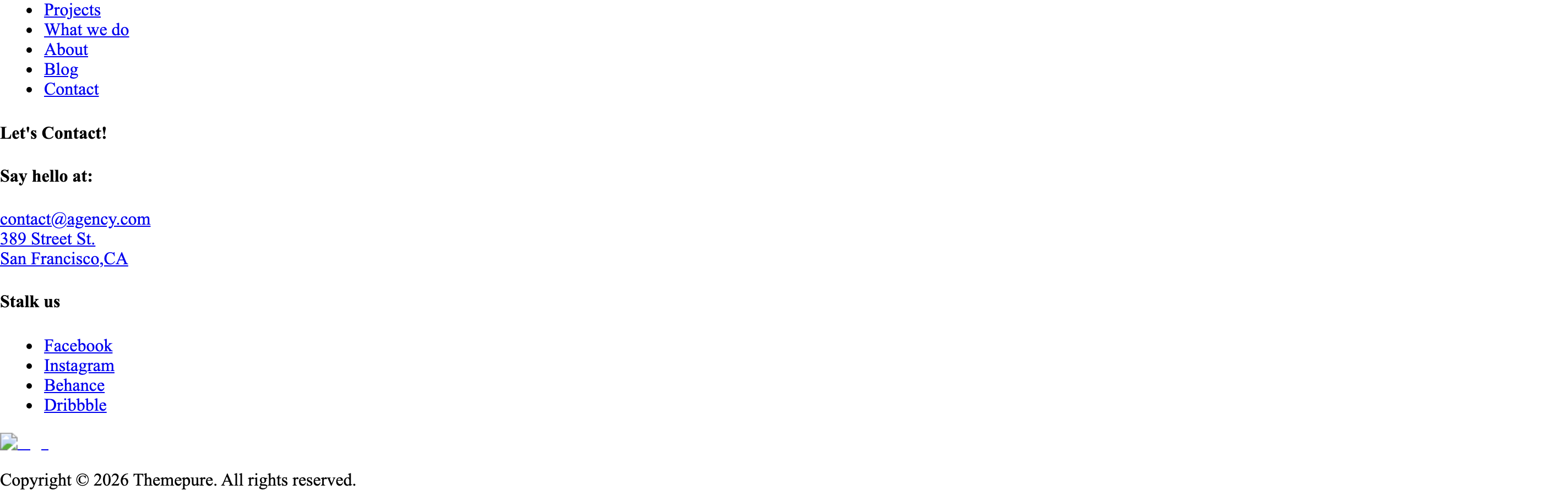
Black footer with three blocks: a hover-active vertical link list ("Projects, What we do, About, Blog, Contact"), a contact column with an oversized "Let's Contact!" wordmark, and a social column. Below sits a copyright row with the white logo and a year-stamped line.
HTML structure (minimal)
<footer>
  <div class="tp-footer-area black-bg pt-90">
    <div class="container-fluid">
      <div class="tp-footer-wrap">
        <div class="row align-items-end">
          <div class="col-xl-5 col-lg-6">
            <div class="tp-footer-menu menu-anim">
              <ul class="counter-row tp-text-anim">
                <li class="active"><a href="/portfolio-details-1">Projects</a></li>
                <li><a href="/service">What we do</a></li>
                <li><a href="/about-us">About</a></li>
                <li><a href="/blog-modern">Blog</a></li>
                <li><a href="/contact">Contact</a></li>
              </ul>
            </div>
          </div>
          <div class="col-xl-5 col-lg-6">
            <div class="tp-footer-middle-wrap">
              <div class="tp-footer-content">
                <h4 class="tp-footer-big-title footer-big-text">Let's Contact!</h4>
              </div>
              <div class="row">
                <div class="col-md-6">
                  <div class="tp-footer-widget">
                    <h4 class="tp-footer-title tp_fade_bottom">Say hello at:</h4>
                    <div class="tp-footer-widget-info">
                      <a href="mailto:contact@agency.com">contact@agency.com</a>
                      <a href="https://maps.google.com/…">389 Street St. <br>San Francisco, CA</a>
                    </div>
                  </div>
                </div>
                <div class="col-md-6">
                  <div class="tp-footer-widget">
                    <h4 class="tp-footer-title tp_fade_bottom">Stalk us</h4>
                    <ul class="tp-footer-widget-social">
                      <li><a href="#">Facebook</a></li>
                      <!-- … -->
                    </ul>
                  </div>
                </div>
              </div>
            </div>
          </div>
        </div>
      </div>
    </div>
    <div class="container-fluid">
      <div class="tp-copyright-wrap">
        <div class="row align-items-center">
          <div class="col-md-4"><img src="/logo-white.png" alt="logo"></div>
          <div class="col-md-8"><p>Copyright © 2026 Themepure. All rights reserved.</p></div>
        </div>
      </div>
    </div>
  </div>
</footer>
Key SCSS tokens
.tp-footer-area.black-bg { background: var(--tp-common-black-3); color: var(--tp-common-white); }
.tp-footer-menu li a {
  font-family: var(--tp-ff-gallery);
  font-size: 80px;
  line-height: 1.1;
  color: var(--tp-common-white);
  opacity: .35;
  transition: opacity .3s ease, color .3s ease;
}
.tp-footer-menu li.active a { opacity: 1; }
.tp-footer-big-title { font-size: 200px; line-height: 1; }
.tp-footer-widget-info-mail a { color: var(--tp-common-white); font-size: 18px; }
Animation logic
// State pattern: only the hovered item is "active" (others dim).
const [isActive, setIsActive] = React.useState(false);
onMouseEnter={() => setIsActive(true)}
onMouseLeave={() => setIsActive(false)}
className={isActive ? "" : "active"}
// The first item starts as "active" (true on default render);
// hovering anywhere in the list switches all items off and CSS :hover lights up
// the specific item.
// Plus footerOneAnimation() does GSAP fade-up on .tp_fade_bottom widgets.
Notable details
- Inverted hover semantics: links default to "active" (full opacity); hovering the list dims everything and only the hovered item lights up — a Cargo-style focus pattern.
- Oversized "Let's Contact!" wordmark doubles as a section title.
- Copyright bar uses the same container width as the footer body for visual continuity.
Use when
- Agency footers where the link list is the primary navigation rather than fine-print sitemap.
- When you want the footer to feel like a final editorial spread, not a list of legal links.
Caveats
- 200px wordmark requires
container-fluidand lots of horizontal room — it will dominate at narrow viewports.