work-grid
Файли-джерела
- index.html
div.work-section div.work-list
Бібліотеки
jquery
Summary
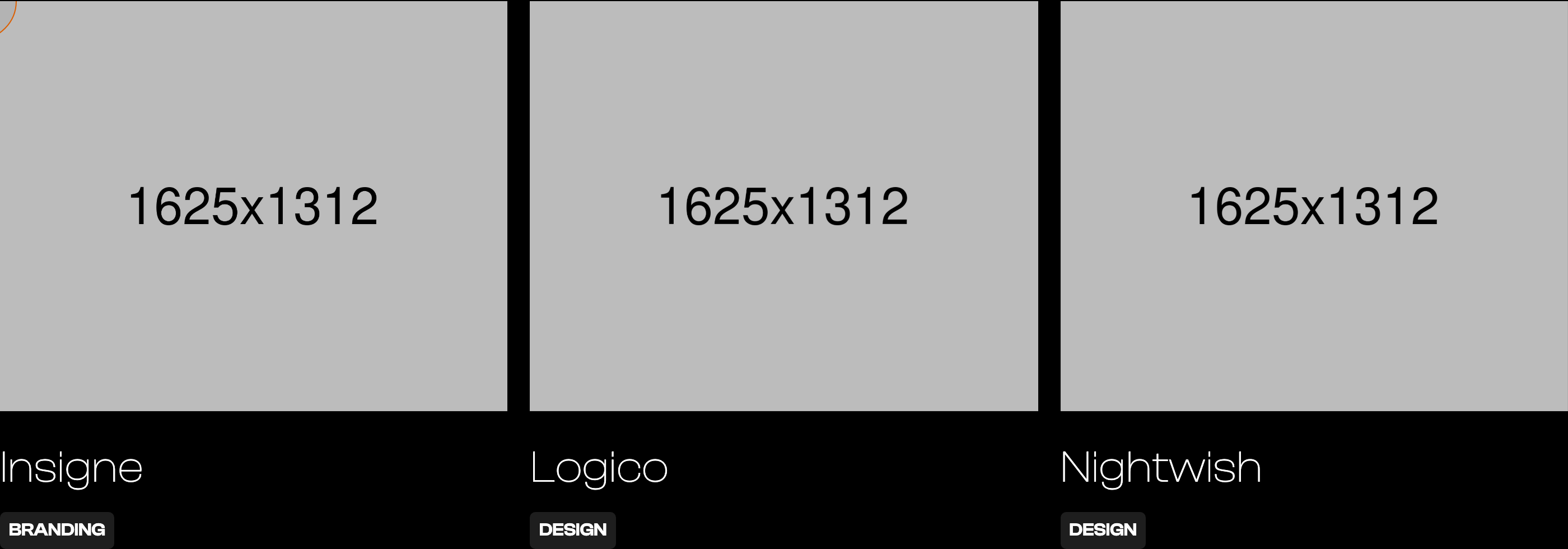
A three-up portfolio grid under a "work" heading with an "All Projects" link absolutely-positioned in the top-right of the heading row. Each tile is image → title → small uppercase category chip. The custom cursor activates over each tile to reveal "View / Work".
HTML structure (minimal)
<div class="work-section">
  <div class="main-container">
    <div class="main-title-box">
      <h2 class="main-title">work</h2>
      <a href="works.html" class="all-projects">All Projects</a>
    </div>

    <div class="work-wrapper">
      <div class="work-list">
        <a href="singlework.html" class="work-item">
          <div class="work-img-wrapp"><img src="images/work7.jpg" class="work-img" alt=""></div>
          <h4 class="heading">Insigne</h4>
          <div class="work-category">branding</div>
        </a>
        <a href="singlework.html" class="work-item">
          <div class="work-img-wrapp"><img src="images/work8.jpg" class="work-img" alt=""></div>
          <h4 class="heading">Logico</h4>
          <div class="work-category">design</div>
        </a>
        <a href="singlework.html" class="work-item">
          <div class="work-img-wrapp"><img src="images/work9.jpg" class="work-img" alt=""></div>
          <h4 class="heading">Nightwish</h4>
          <div class="work-category">design</div>
        </a>
      </div>
    </div>
  </div>
</div>
Key SCSS tokens
.main-title-box   { position: relative; }
.all-projects {
  color: var(--white);
  text-transform: uppercase;
  font-size: 18px;
  position: absolute;
  top: 10px;
  right: 0;
}
.work-list {
  display: grid;
  grid-template-columns: 1fr 1fr 1fr;
  grid-column-gap: 20px;
  grid-row-gap: 40px;
}
.work-item        { color: var(--white); text-decoration: none; display: block; }
.work-img         { width: 100%; }
.heading {
  font-size: 40px;
  font-weight: 200;
  line-height: 40px;
  margin: 30px 0 20px;
}
.work-category {
  text-transform: uppercase;
  background-color: #1e1e1e;
  border-radius: 5px;
  padding: 8px;
  font-size: 16px;
  font-weight: 600;
  display: inline-block;
}
Animation logic
// Each .work-item carries data-w-id="darkyn08" — Webflow IX2 binds a
// hover timeline that scales the cursor up and reveals the cursor's
// inner "View / Work" text. To rebuild without Webflow:
//   item.addEventListener('mouseenter', () => cursor.classList.add('cursor-on-work'));
//   item.addEventListener('mouseleave', () => cursor.classList.remove('cursor-on-work'));
//   .cursor-on-work .cursor { width: 110px; height: 110px; }
//   .cursor-on-work .project-cursor-text { opacity: 1; }
Notable details
- Section title and "All Projects" link share a positioning frame (
.main-title-boxisposition: relative, the link is absolute) — saves making a flex header just to put a link top-right. - Project category is intentionally small and chip-like (16px, uppercase, dark background) — sits below the title rather than above, breaking the usual category-then-title convention.
- The card has no border or background — it's purely image + type, which lets the photographs do the heavy lifting.
Use when
- Portfolio or case-study landings where the work itself is the visual identity.
- Sites where you also want a dedicated portfolio page (
works.html) and need the home grid to act as a teaser.
Caveats
- The cursor reveal only works while the custom cursor is active (
>991px). On touch / small viewports the hover state is gone.